
Teams don't need more tools. They need one that talks back and stays out of the way.
SyncWork replaces the six tabs your team keeps open with one workspace that plans, tracks, messages, and reports on its own. Built for teams who'd rather ship than manage the tool meant to help them ship.
Inside the workspace, in small pieces.
A few screens from SyncWork, adrift — every panel, chart, and status card the team actually uses day to day. Drag them around.
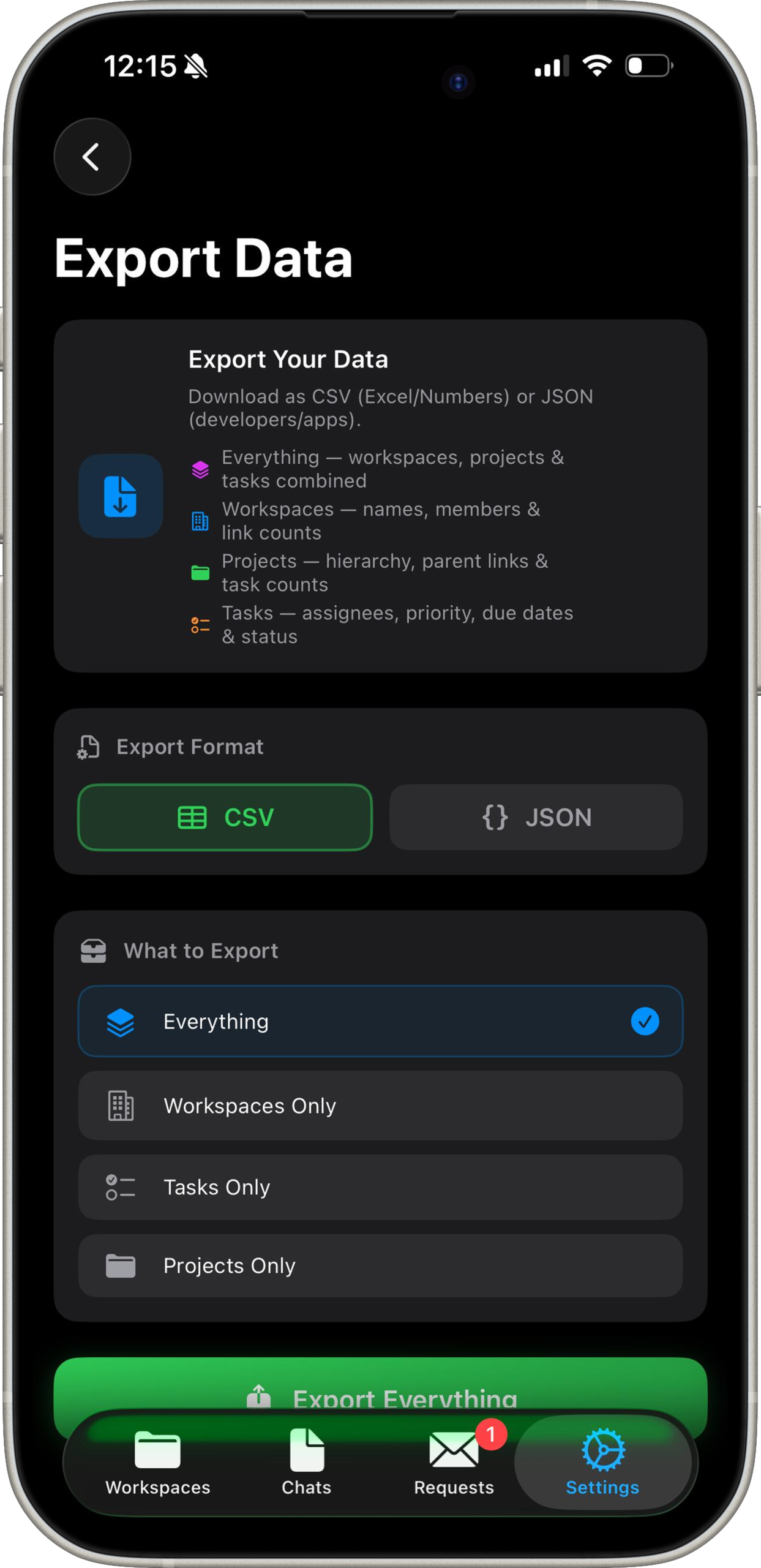
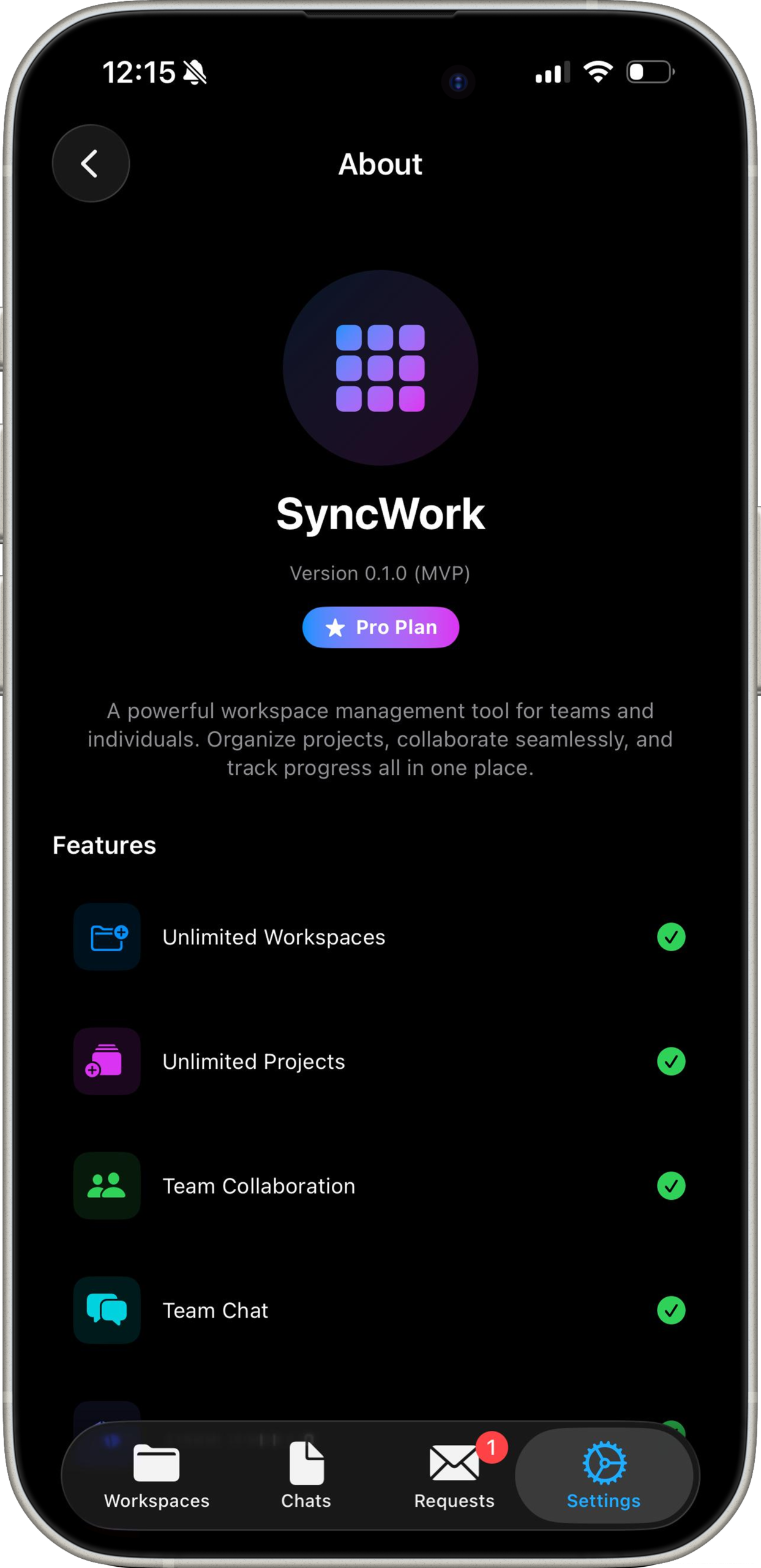
One workspace. Five moves.
The actual sequence a task moves through inside SyncWork — from idea to shipped, without leaving the app.
Turn goals into tasks
Describe the outcome. SyncWork breaks it into an ordered, assignable task list in seconds.
Watch it move
Every status change updates one shared timeline — no separate spreadsheet to reconcile.
Message where the work lives
Send a note straight to a project or task — no hunting through a separate chat app to find the thread.
Approve in context
Comment, mark up, and sign off on work without switching to a fourth tool to do it.
Close the loop
Completed work rolls straight into a report — the update writes itself.
Built for how teams actually work.
Six things SyncWork does differently from the project tool you're using now.
Plans that write their own tasks
Set a goal in plain language. SyncWork proposes the task breakdown, owners, and rough timeline — you edit, not draft from scratch.
Every conversation, attached to the work
Send messages tied to a specific project or task, so questions and decisions stay next to the thing they're about instead of scattered across a separate chat app.
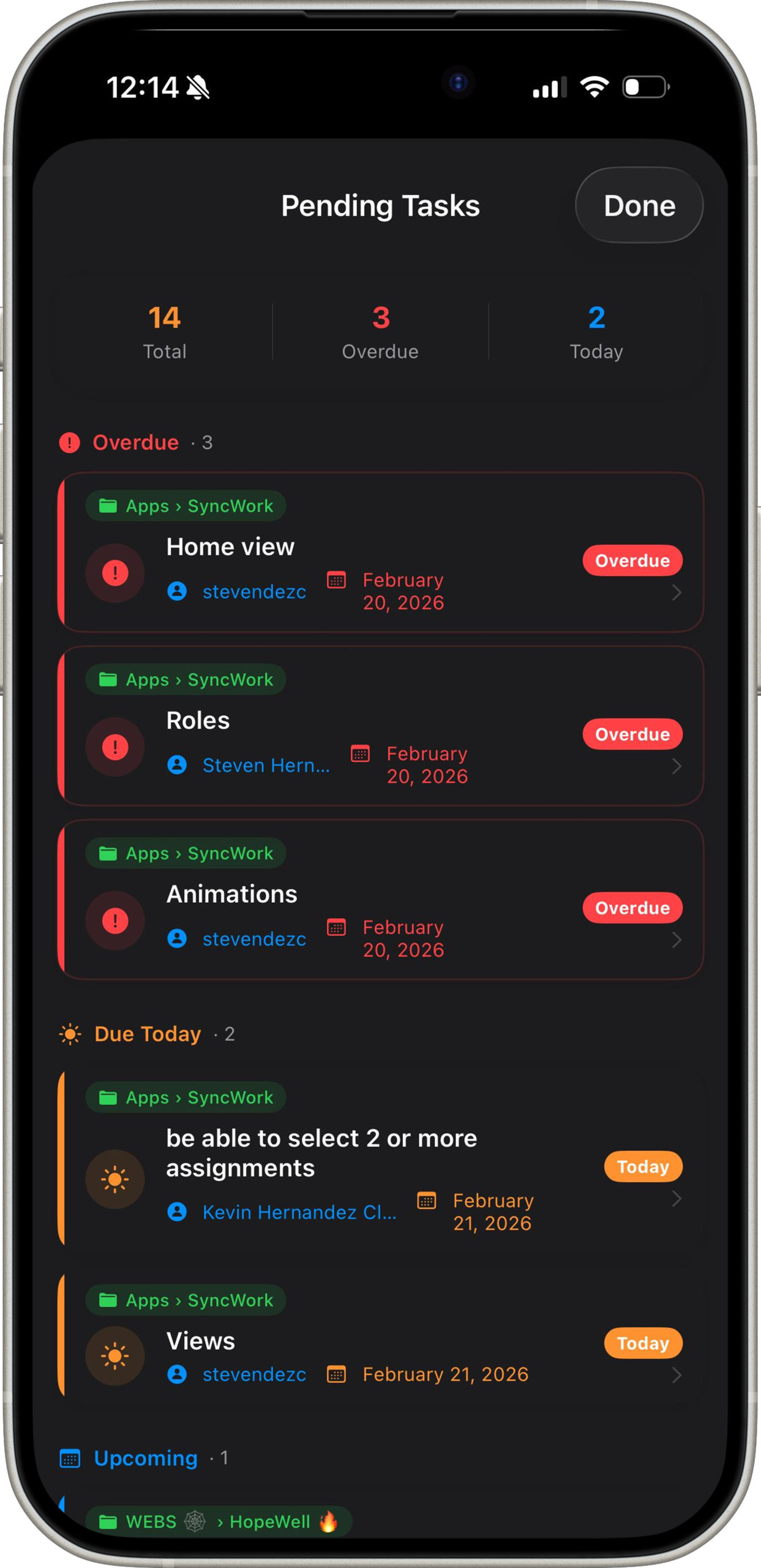
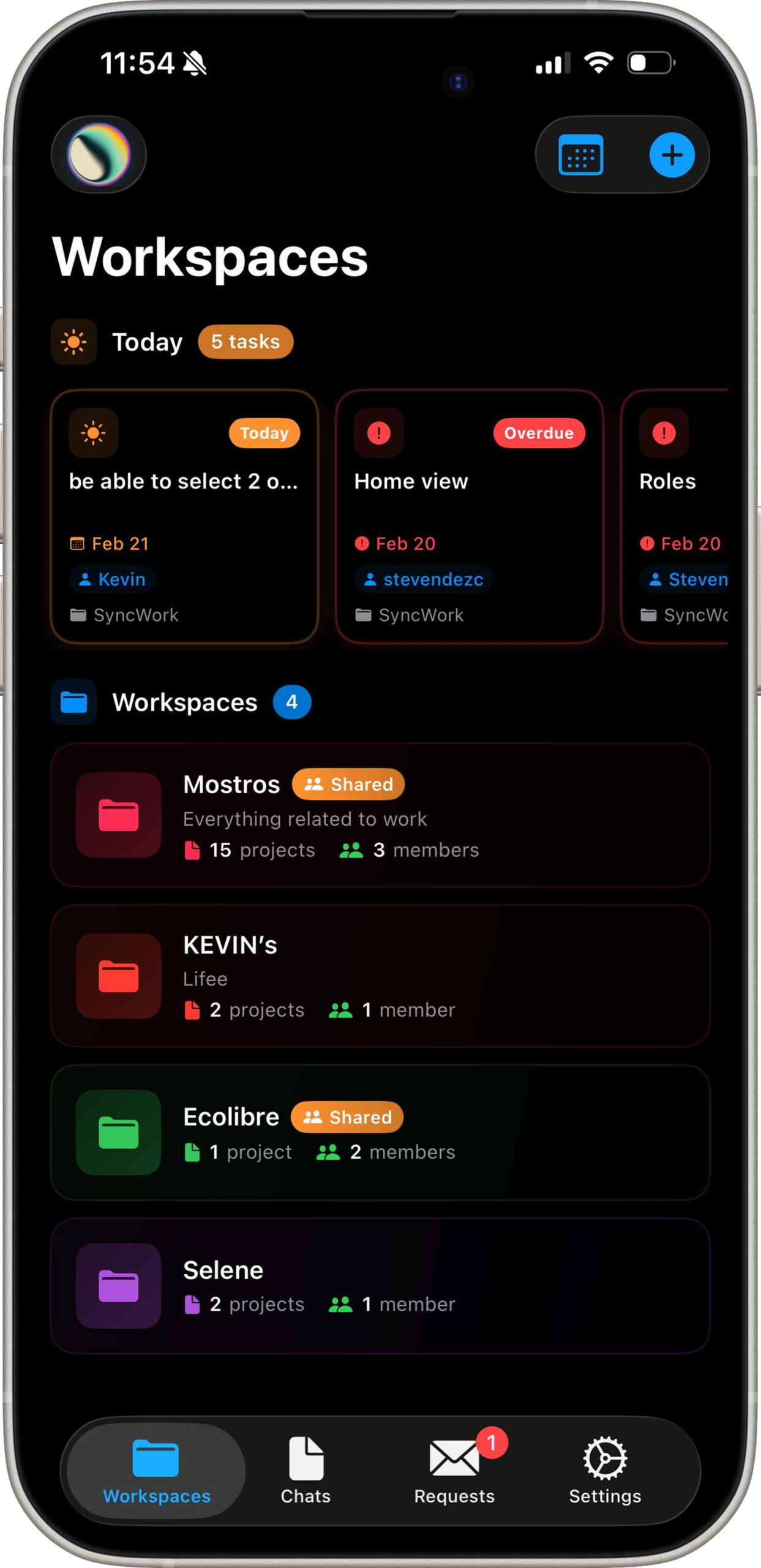
Today's tasks, one glance away
Open SyncWork and see exactly what's due today across every project you're on — no digging through boards to find it.
Review without losing context
Approvals, comments, and revisions live on the task itself, so nothing important gets buried in a separate thread.
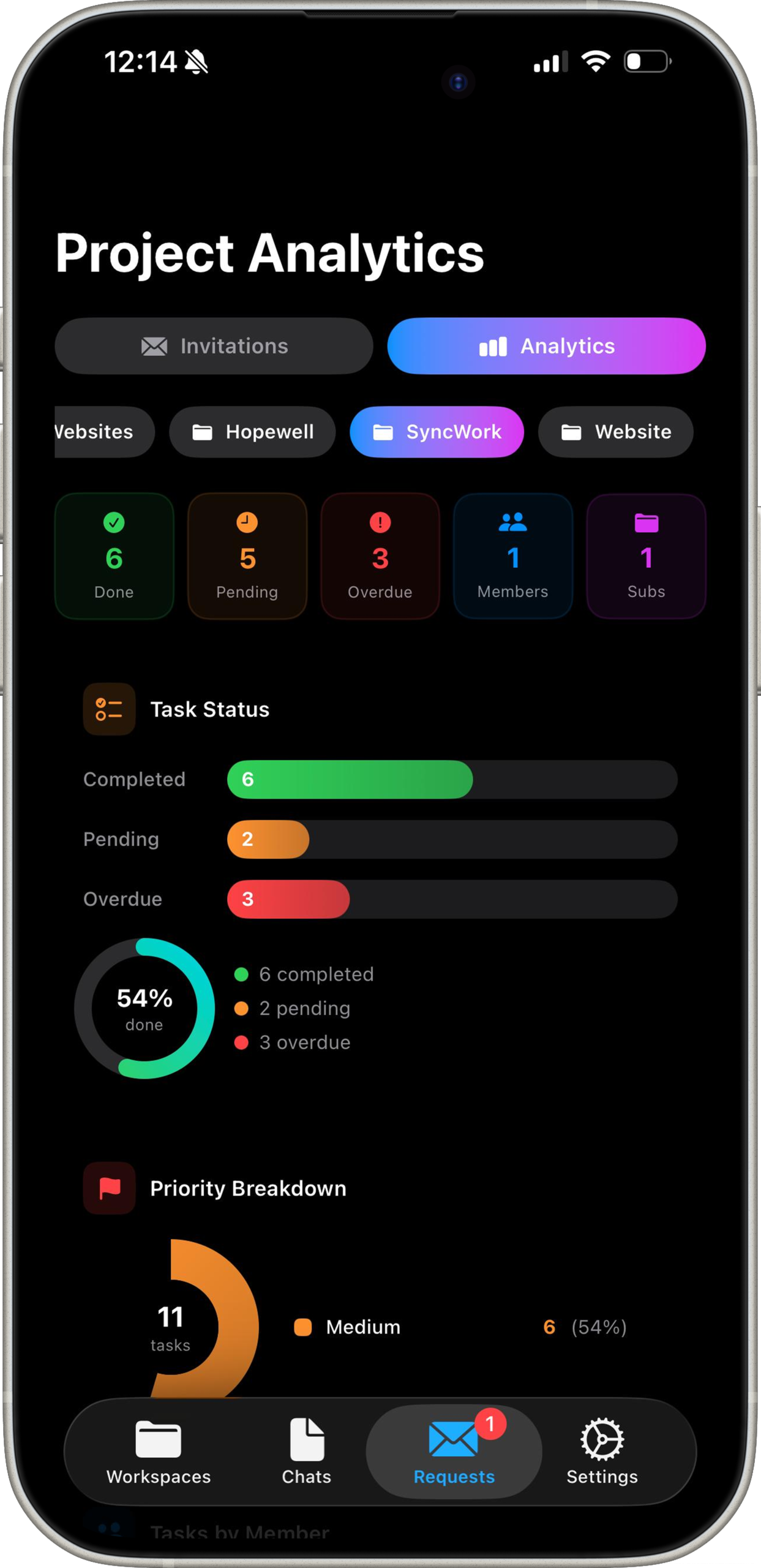
On-time progress, per project
See what percentage of each project's work is complete and on schedule, updated the moment status changes — not the moment someone remembers to report it.
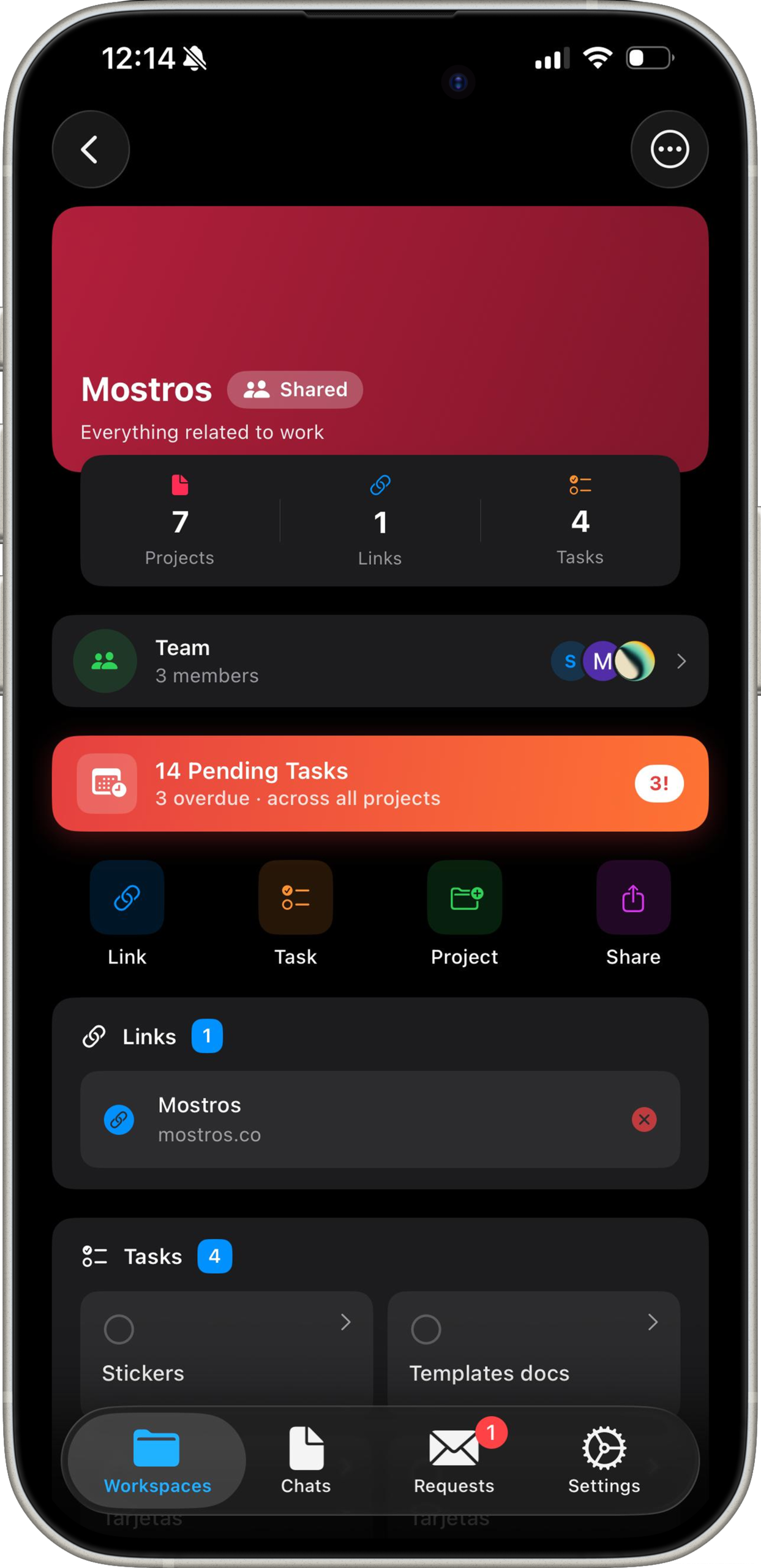
Roles that match how you're organized
Permissions, workflows, and visibility are set per team, not forced into one rigid structure for the whole company.
Numbers, not promises.
Averages reported by teams six weeks after switching to SyncWork.
Give your team back the hours the tools were taking.
Free for teams up to 10. No credit card, no onboarding call required.
Start with SyncWork →